For Speedway operators & crews
Work in Speedway Crew. Keep every job connected.
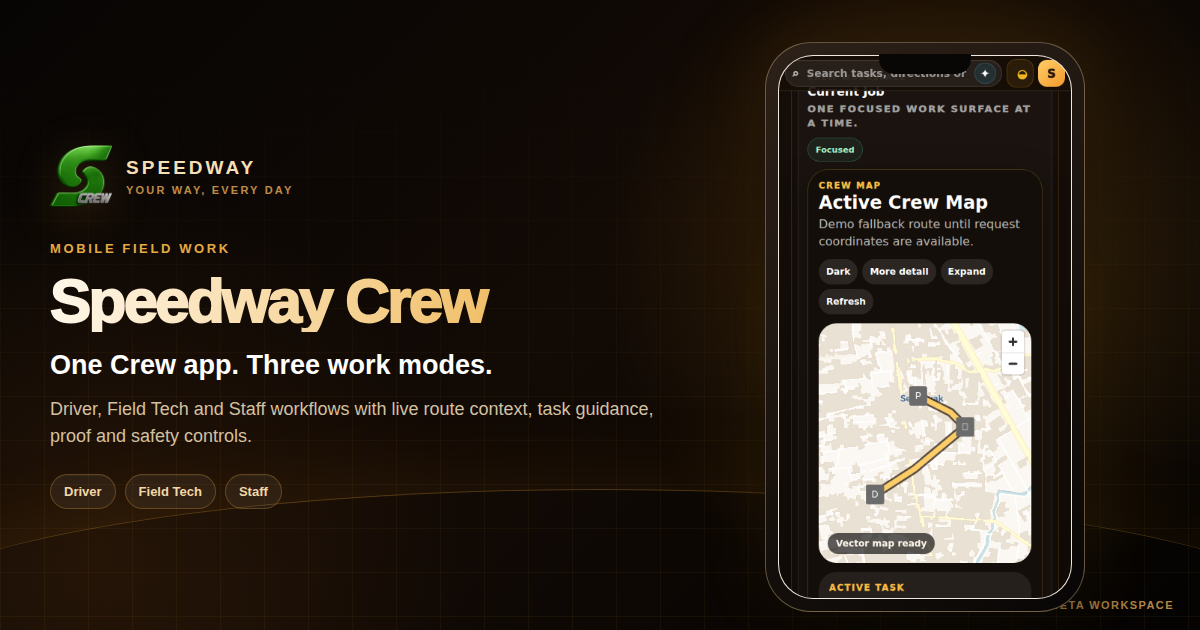
Speedway Crew is the focused work app for authorised Drivers, Field Techs and Staff. Assigned jobs, active work, route or site context, guided steps, status updates, communications and required proof stay connected to the same operational record used by the business.
Choose the work mode
The tools change with the job. The work record stays connected.
Crew is designed to keep workers focused on the assignment in front of them instead of making every person navigate a full management system.
Open assigned or available movement work, see pickup and destination context, follow route guidance, update progress and record the handoff required by the job.
Open the service assignment with the relevant customer, site, method and task context, then record progress, materials, checks and completion evidence where required.
Receive venue or operational assignments, handle the active task, coordinate handoffs and keep work-related communications attached to the same record.
From application to completed work
A clear pathway into a governed workforce.
Speedway separates worker execution from management authority so each person gets the right workspace and permissions for their role.
Submit the operator registration required for the intended work. Activation can depend on role, location, business relationship and verification requirements.
Authorised businesses and workforce managers can invite, activate and organise people through Speedway CrewHQ.
Crew keeps assigned or available work, the active job and the next operational action close together.
Where the workflow defines steps, checks, route context or evidence, Crew can guide the worker through the required sequence.
Progress, messages and required completion evidence stay attached to the work instead of becoming separate records.
Managers coordinate people, invitations, schedules, readiness, submissions and follow-up from the separate CrewHQ management surface.
Crew + CrewHQ
Focused work for operators. Controlled workforce coordination for managers.
The two products share the same operating context without giving every worker management-level access.
For Drivers, Field Techs and Staff doing the work: assignments, active jobs, methods, route or site context, proof, communications and account context.
For authorised workforce managers: people, invitations, canonical schedules, onboarding review, submissions, readiness signals, tasks and operational follow-up.
Orders, jobs, service requests, fulfilment and workforce activity can remain connected to the Speedway business operating record instead of becoming isolated workforce data.
Operator questions
What to know before applying for Speedway Crew.
Access is role-based and connected to real Speedway work. The public pathway explains the model; activation remains controlled.
Who can use Speedway Crew?
Speedway Crew is designed for authorised Drivers, Field Techs and Staff working on assignments connected to Speedway businesses and operations. The available role and access depend on the work relationship and activation requirements.
What does a Crew worker see?
The Crew workspace focuses on assigned or available work, the active job, route or site context, guided steps, status updates, communications and required proof rather than back-office administration.
How are workers and managers connected?
Workers use Speedway Crew while authorised managers coordinate people, invitations, schedules, readiness, submissions and operational follow-up through Speedway CrewHQ.
How do I apply for Crew access?
Use the Speedway operator registration pathway. Applications and activation remain subject to the role, location, business relationship and verification requirements that apply to the work.
Ready to join a Speedway workforce?