Speedway POS
Sell at the counter without disconnecting the rest of the operation.
Speedway POS is the merchant register and checkout workspace inside the Speedway operating stack. Cashiers can work with the authorised catalogue, build and edit carts, apply product options, prepare payment, receive kitchen-ready signals, follow delivery context and connect supported store hardware while the order remains part of the same merchant operational record.
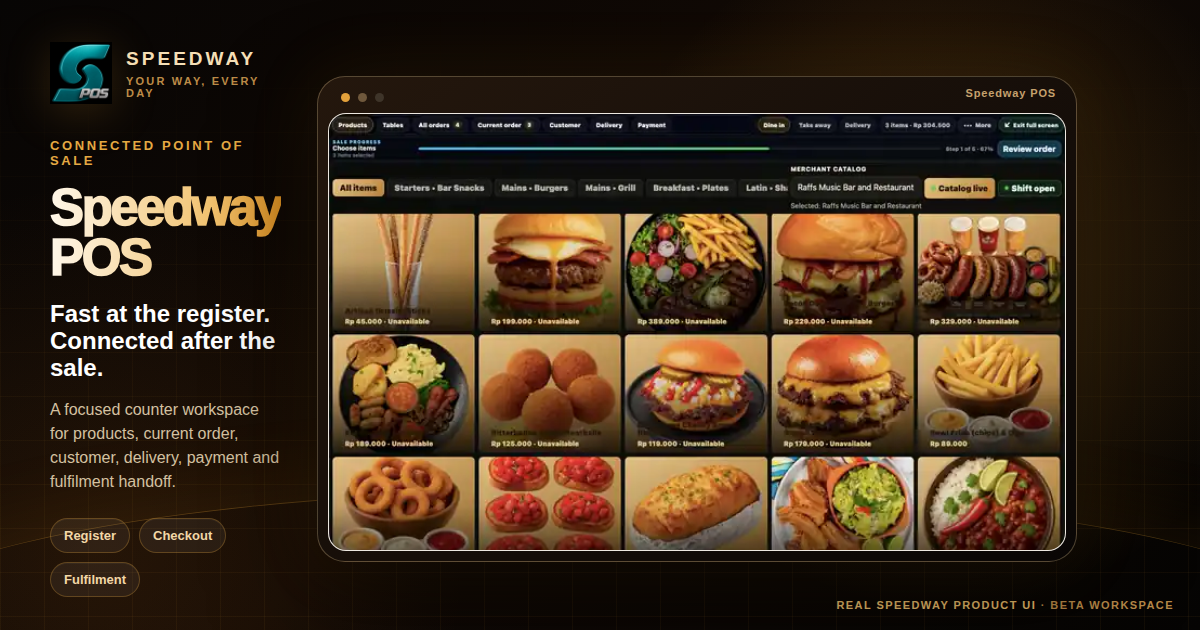
Counter workflow
Fast at the register. Connected after the sale.
POS is designed to keep the cashier surface simple while preserving the operational context needed by the kitchen, service team, delivery workflow and business account.
Browse or search the authorised merchant catalogue in the register instead of maintaining a second POS-only product list.
Add items, adjust quantities and work with the product options and modifiers required for the actual merchant offering.
Prepare governed payment and settlement handoff from the order. Live charge execution is shown only where the merchant account and Speedway authority enable it.
See preparation and ready context from connected KDS/SDS workflows so front-of-house teams know what is happening after checkout.
Keep delivery and route information available when the order moves beyond the counter into dispatch or customer handoff.
Use the Hardware Station flow for supported receipt and kitchen printers, cash drawers, scanners, scales and customer displays.
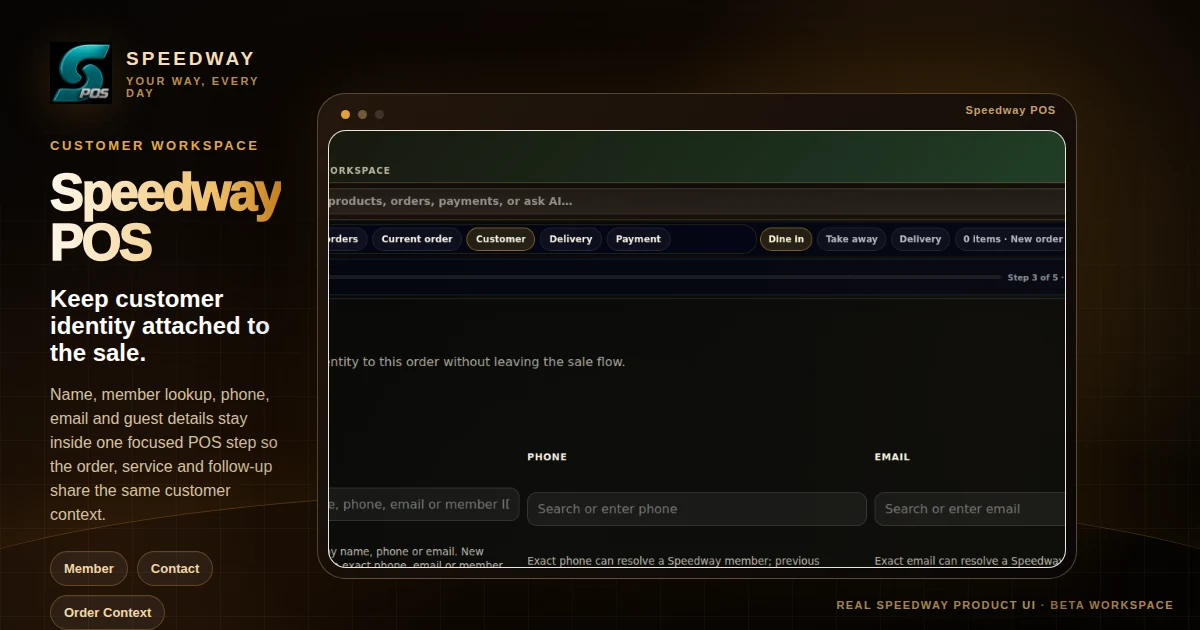
Customer workspace
Keep customer identity attached to the sale.
Name, member lookup, phone, email and guest details stay inside one focused POS step so the order, service and follow-up share the same customer context.
One operating record
The order should not restart every time it changes teams.
Speedway POS connects the front counter to the other operational surfaces that need the order next.
Send the prepared order into kitchen or service production and receive ready-state context back into the merchant workflow.
Delivery, field or service work can move into the appropriate Crew context without duplicating the customer or order record.
Managers can keep staffing, shift accountability and operational handoffs connected to the people responsible for the work.
Business configuration, catalogue authority, permissions and wider operational administration stay managed through Speedway Central.
Speedway POS + KDS/SDS